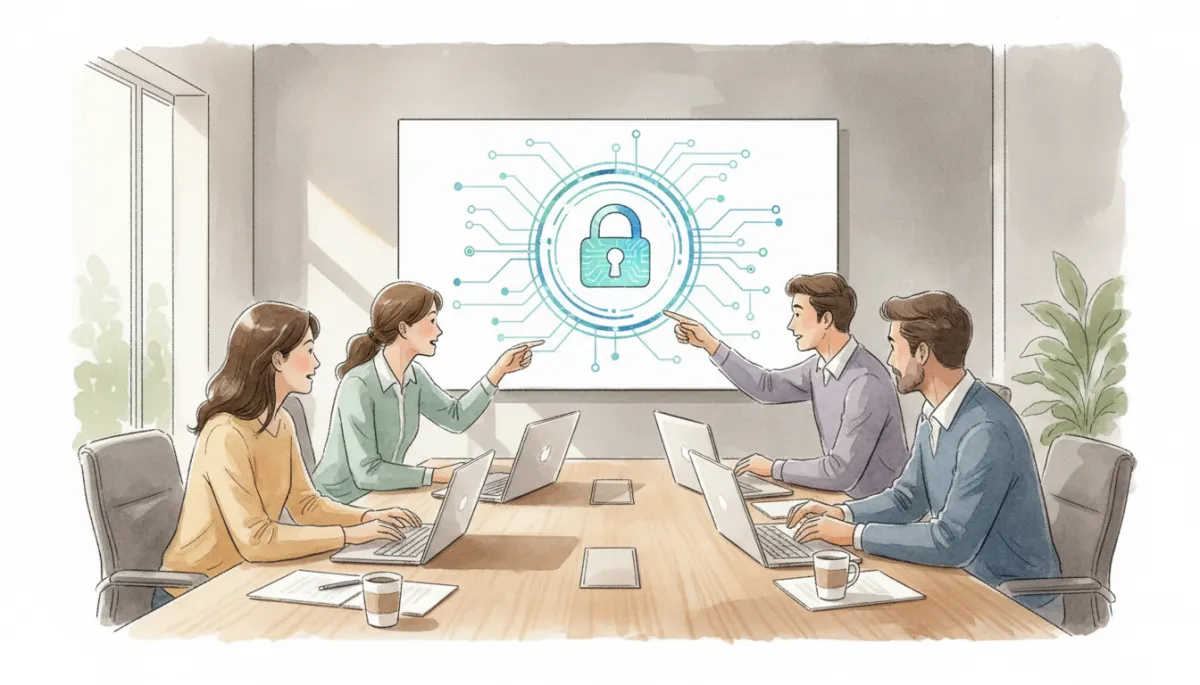
SMB Computer Security: Protect Your Business
Cybersecurity, SMB Computer Security
SMB Computer Security: Practical Protection for Growing Businesses
Small and midsize businesses are big targets for cybercriminals. With a few focused steps, you can dramatically strengthen your SMB computer security without needing a huge budget or in‑house IT team.
Why SMB Computer Security Matters More Than Ever
Cyberattacks are no longer a “big company” problem. Criminals increasingly target SMBs because they often have valuable data but fewer defenses. A single incident can mean days of downtime, lost revenue, and serious damage to your reputation. In some cases, it can even threaten the survival of the business.
Strong SMB computer security is about reducing risk to an acceptable level. You do not need every advanced tool on the market, but you do need a clear plan, basic protections in place, and consistent habits across your team.
Build a Solid Security Foundation on Every Device
Start with the essentials on all company computers, laptops, and key mobile devices. These steps alone can block a large percentage of common attacks aimed at SMBs:
Use reputable security software: Install business-grade antivirus and endpoint protection that updates automatically and is managed centrally, so you can see the status of every device at a glance.
Keep systems patched: Enable automatic updates for operating systems, web browsers, and key applications. Many attacks exploit known flaws that updates already fix.
Turn on firewalls: Use built‑in firewalls on computers and a properly configured firewall on your router to help block unwanted traffic from reaching your network.
Protect Accounts with Strong Authentication and Access Controls
Many SMB breaches begin with a stolen or guessed password. Strengthening how employees log in is one of the highest‑impact improvements you can make to your computer security posture.
Require strong, unique passwords: Ban shared logins and simple passwords like company names or seasons. Encourage passphrases that are long but memorable for each user.
Use multi‑factor authentication (MFA): Turn on MFA wherever possible, especially for email, remote access, financial tools, and cloud apps. A second step, like a code on a phone, stops many attacks even if a password is stolen.
Limit access to what’s necessary: Give employees the access they need to do their jobs, and no more. Fewer people with “admin” rights means fewer opportunities for mistakes or misuse.
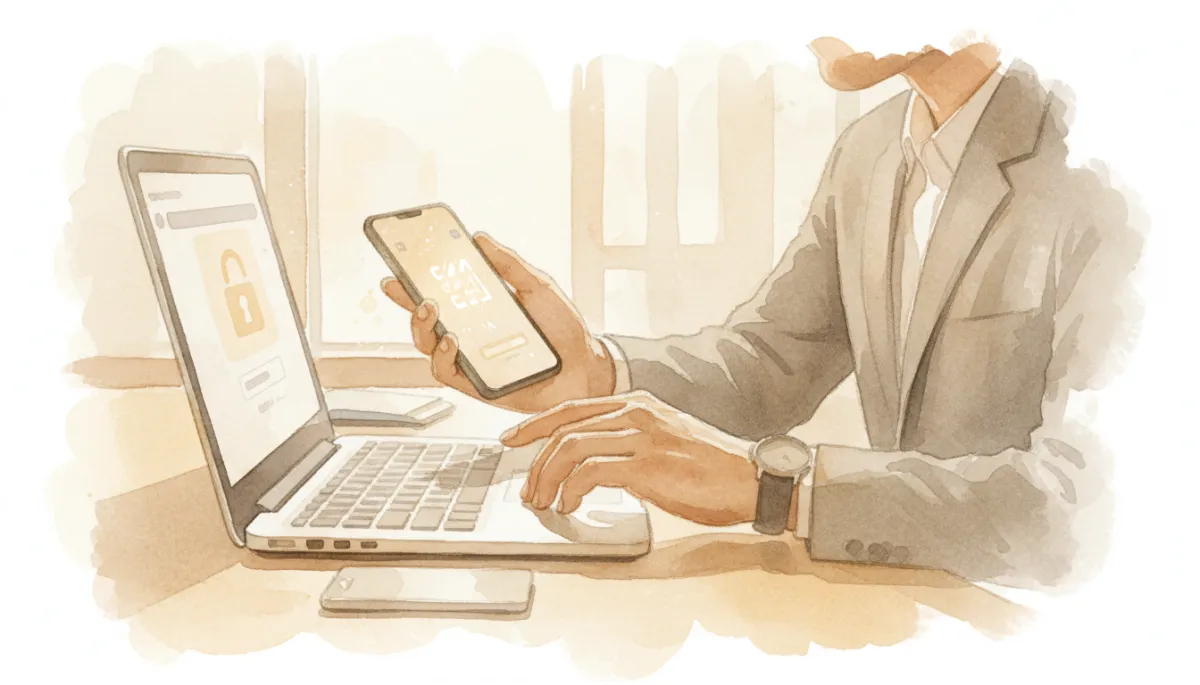
Adding multi-factor authentication can block most password-based attacks on SMB accounts.
Train Your Team: People Are Your First Line of Defense
Technology alone is not enough. Many attacks on SMBs begin with a phishing email, a fake invoice, or a malicious attachment. Regular, plain‑language training helps employees recognize red flags and respond safely when something feels off.
Show examples of suspicious emails and websites, and explain what to do if an employee is unsure—such as reporting to a manager or IT contact instead of clicking.
Remind staff never to share passwords, approve unexpected payment changes, or plug in unknown USB drives, even if a request looks urgent or comes from a “senior” person.
💡 Pro Tip: Short, quarterly refreshers are more effective than a single long training once a year. Keep lessons practical and rooted in real situations your team might face.
Plan for the Worst: Backups and Incident Response
Even with strong SMB computer security, no system is perfect. What sets resilient businesses apart is how quickly they can recover when something goes wrong—whether it is ransomware, accidental deletion, or a lost laptop.
Use reliable backups: Automatically back up critical files to secure cloud storage or an offline device. Test restoring files so you know the process works before an emergency.
Create a simple response plan: Document who to call, what systems to disconnect, and how to communicate with customers if you suspect a breach. Even a one‑page checklist can save time and confusion.
Taking the Next Step in SMB Computer Security
You do not need to become a cybersecurity expert to protect your small or midsize business. Focus on the basics: secure your devices, strengthen logins, train your people, and prepare for recovery. From there, consider partnering with a trusted IT or managed security provider who understands SMB needs and budgets.
Every step you take reduces risk and builds trust with your customers, partners, and employees. Start with one improvement this week, and keep building. Effective SMB computer security is not a one‑time project—it is an ongoing habit that grows alongside your business.
